
Use this to pay your staff in advance for a pay period that has not yet occurred.
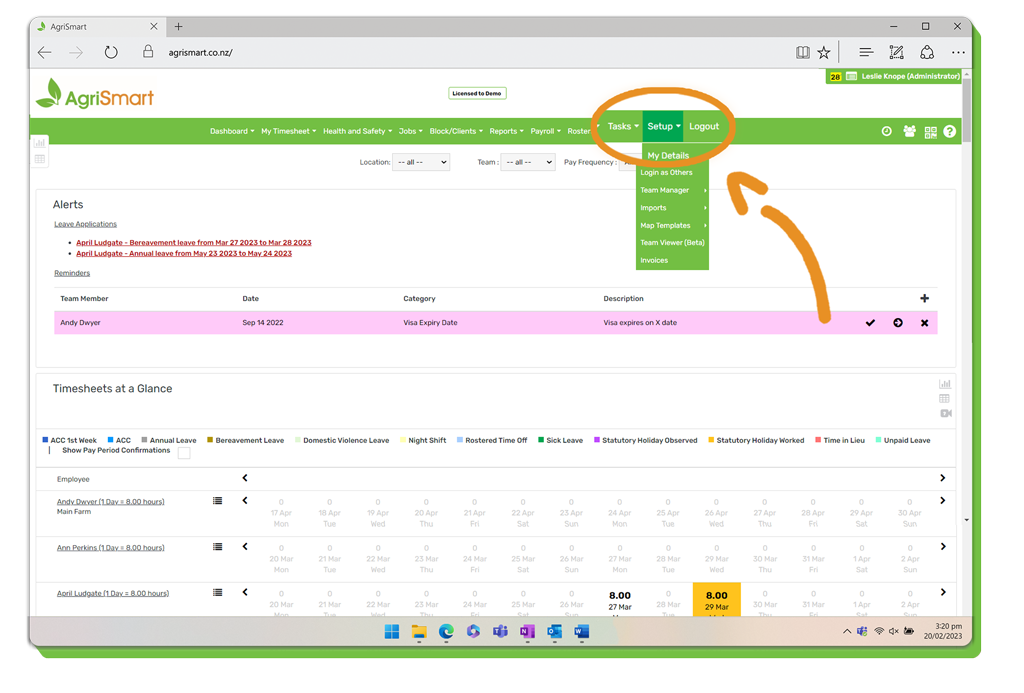
1. Click Setup:
2. Scroll down (just over half-way) to Future Pay Periods:
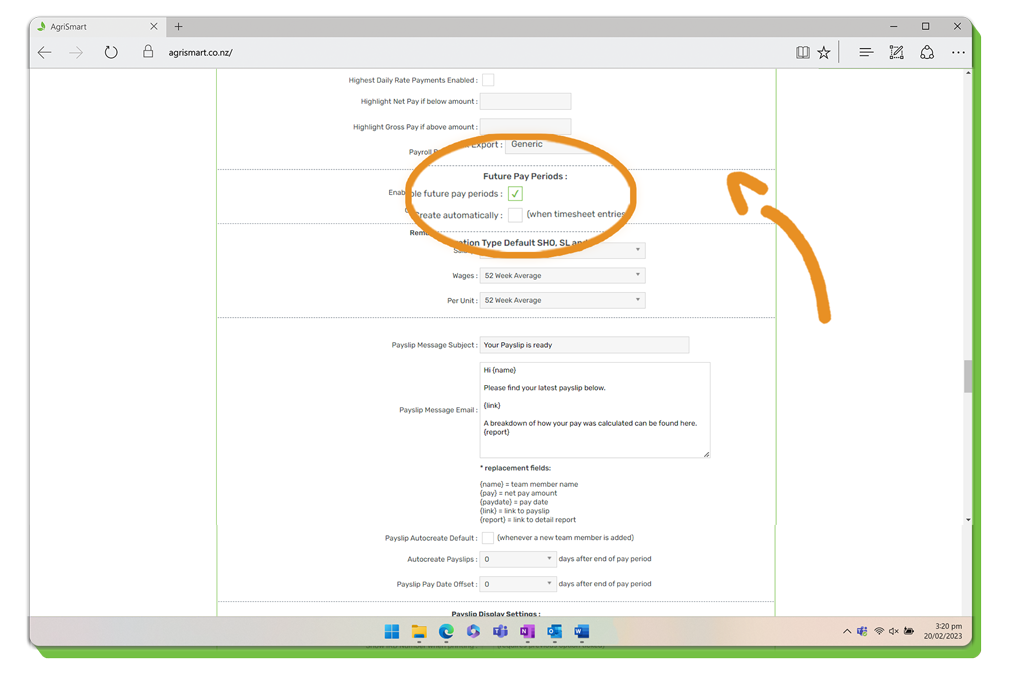
3. Tick Enable future pay periods:
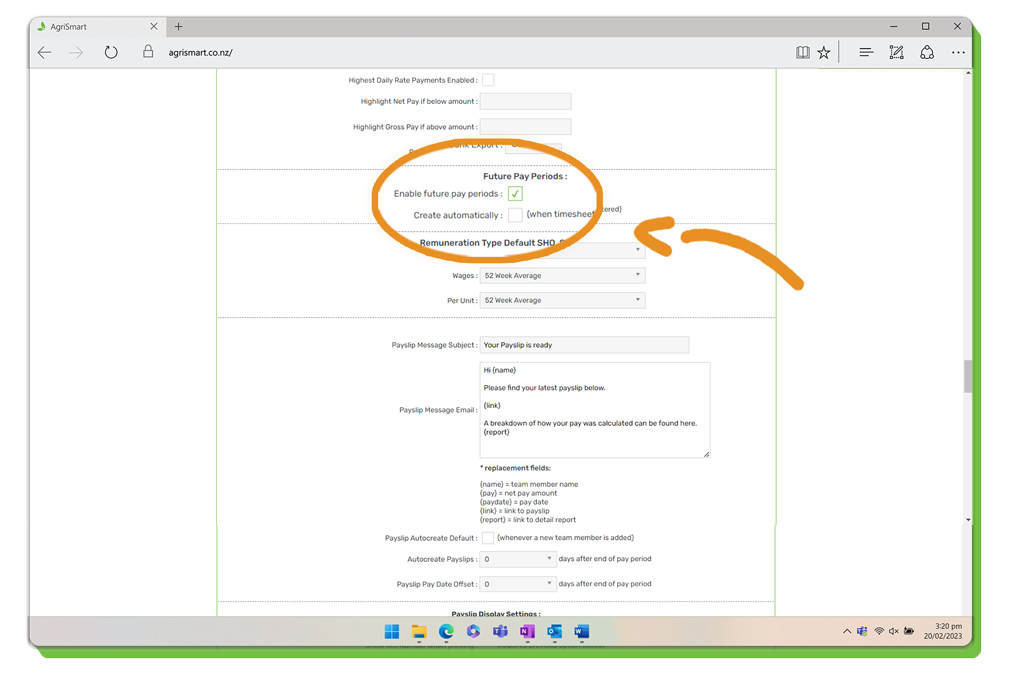
4. (Optional) Tick Create automatically if you want future pay periods to be automatically generated when timesheets are entered in advance:
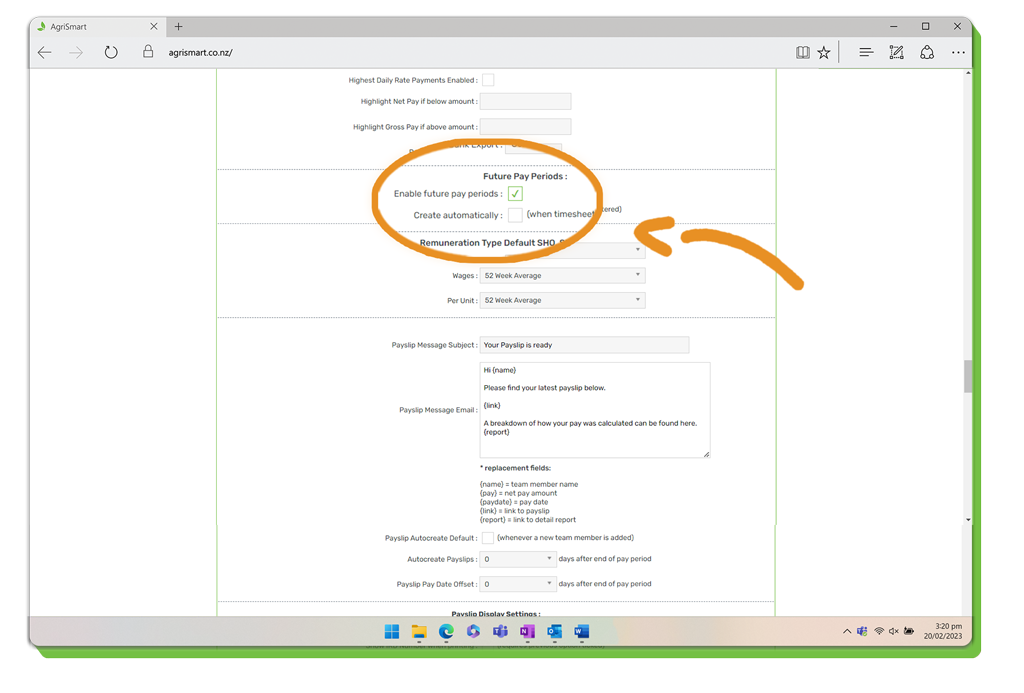
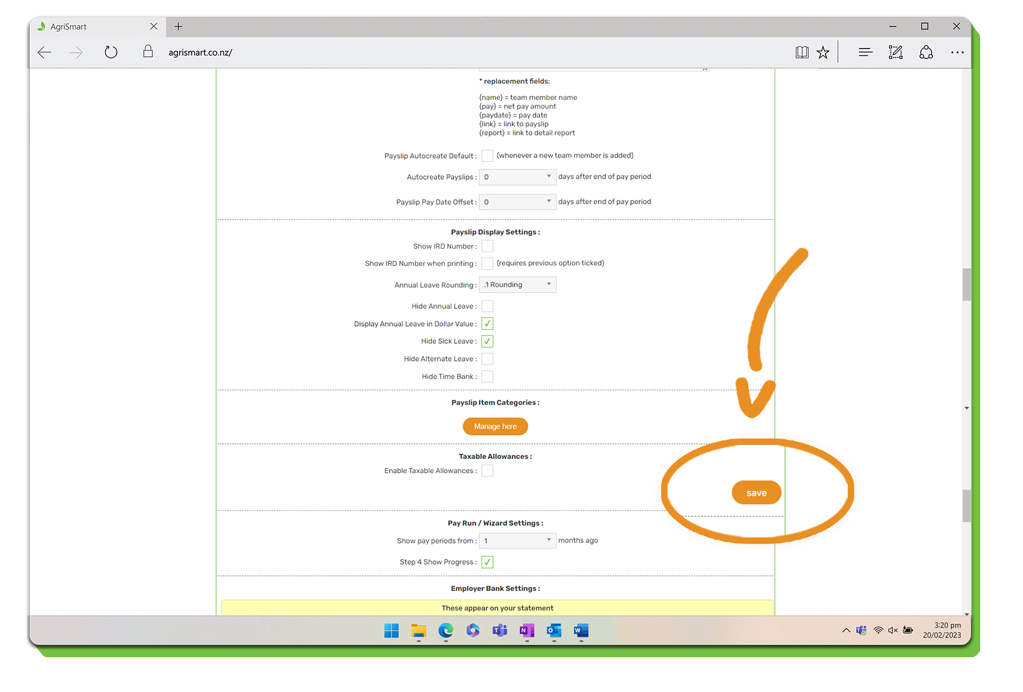
5. Scroll up/down to the nearest save button > save:
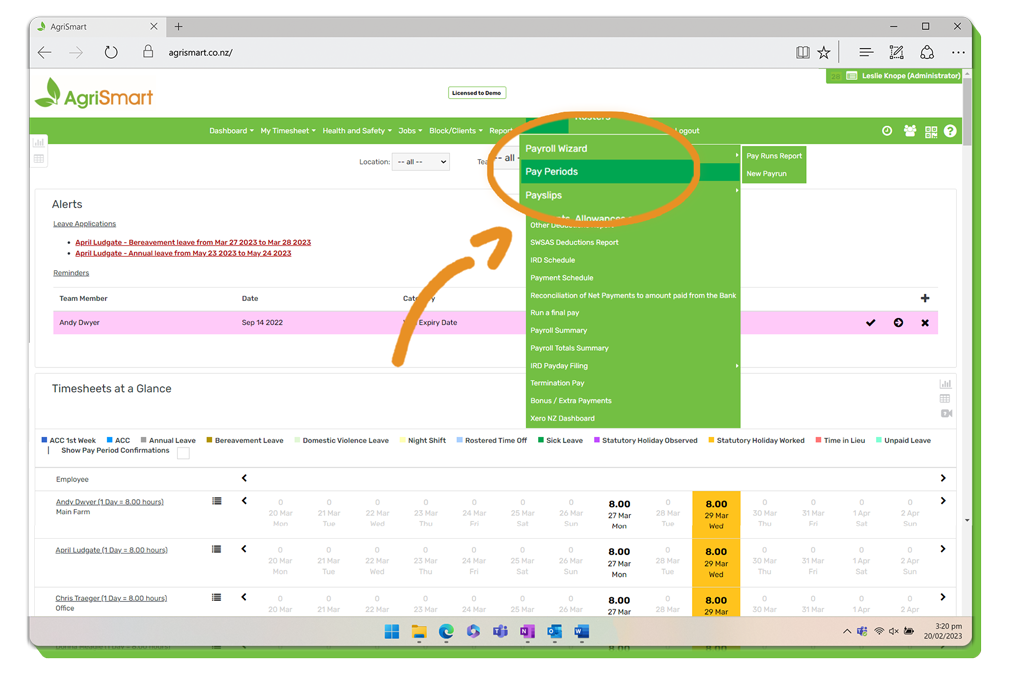
6. Hover on Payroll > Pay Periods:
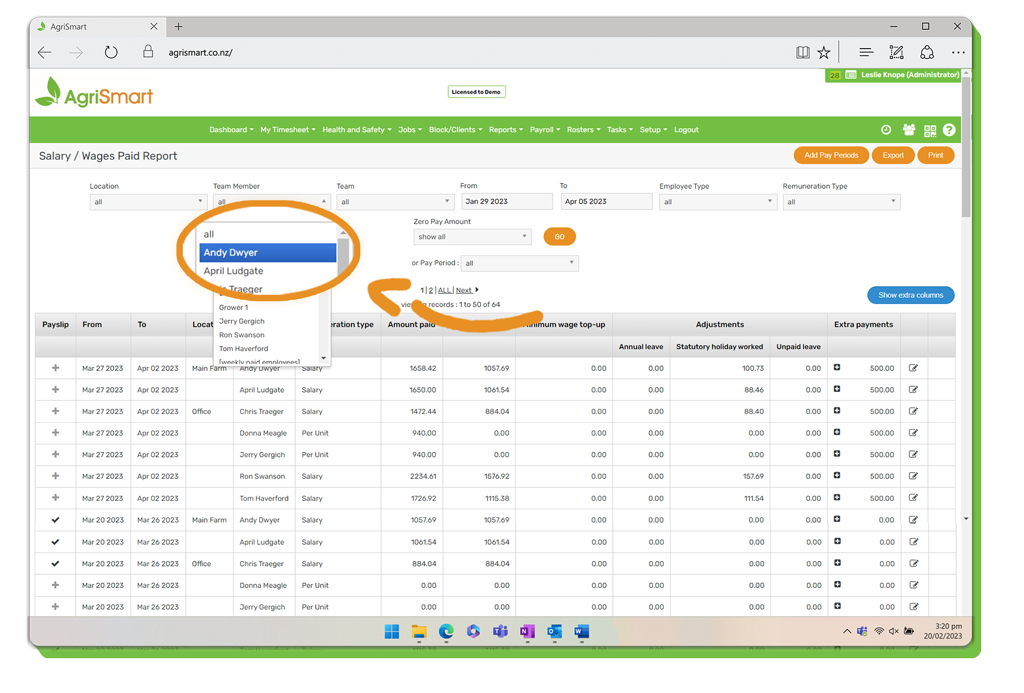
7. Select an employee from the Team Member dropdown:
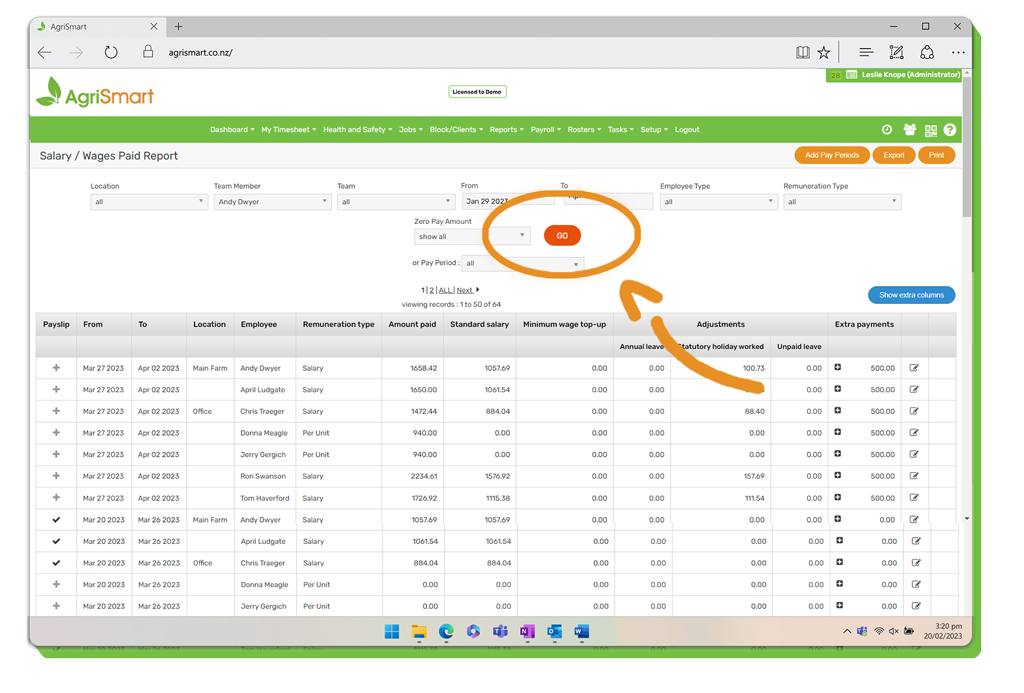
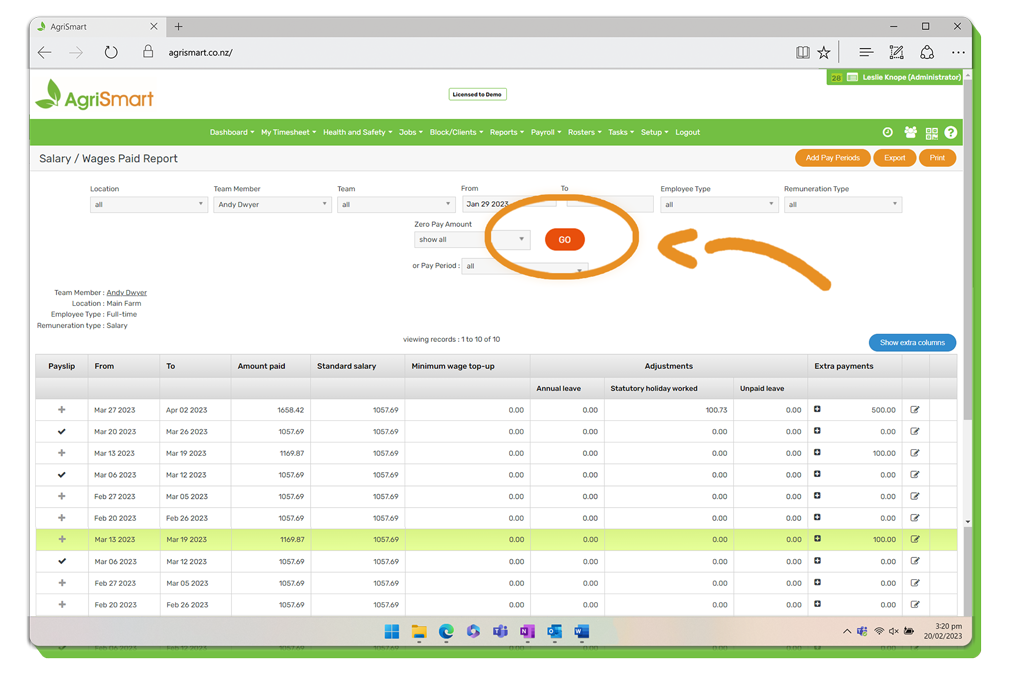
8. Click ‘Go’:
8. Click Add Pay Periods:
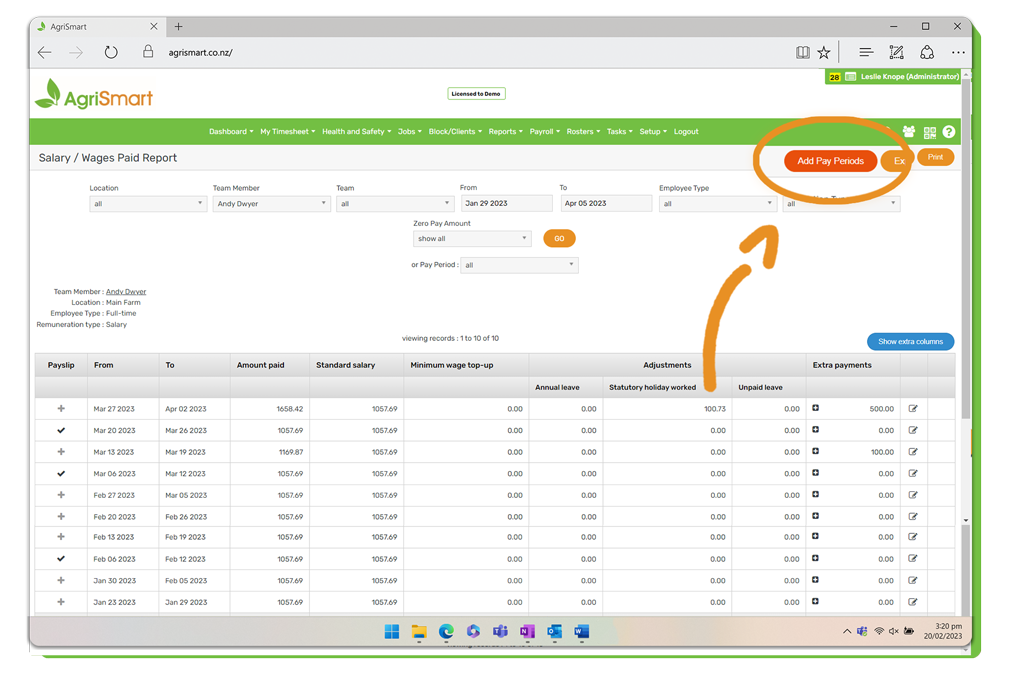
9. Enter the date you want the future pay periods to create up until e.g. 30/04/2023:
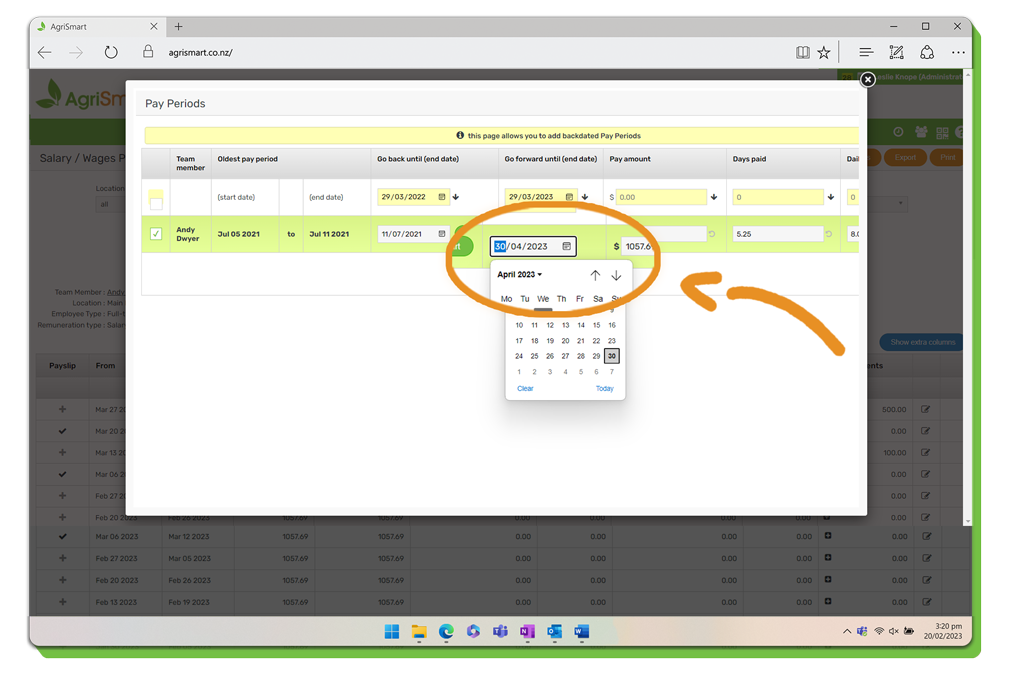
10. Click ‘Save’:
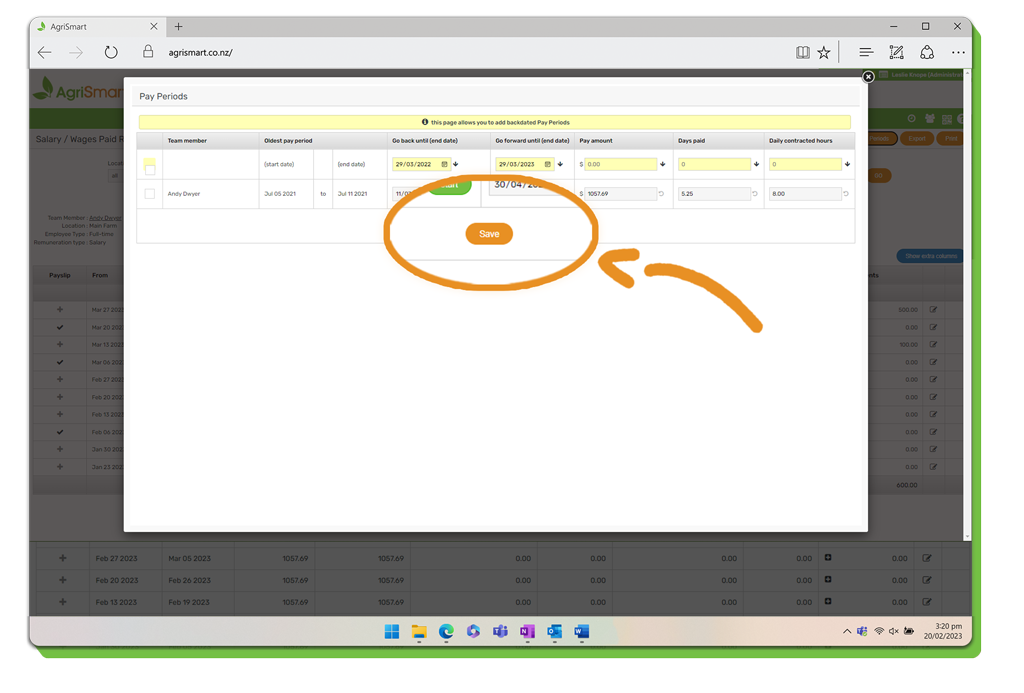
11. Adjust the ‘To Date’ to the date you entered in the previous step e.g. 30/04/2023:
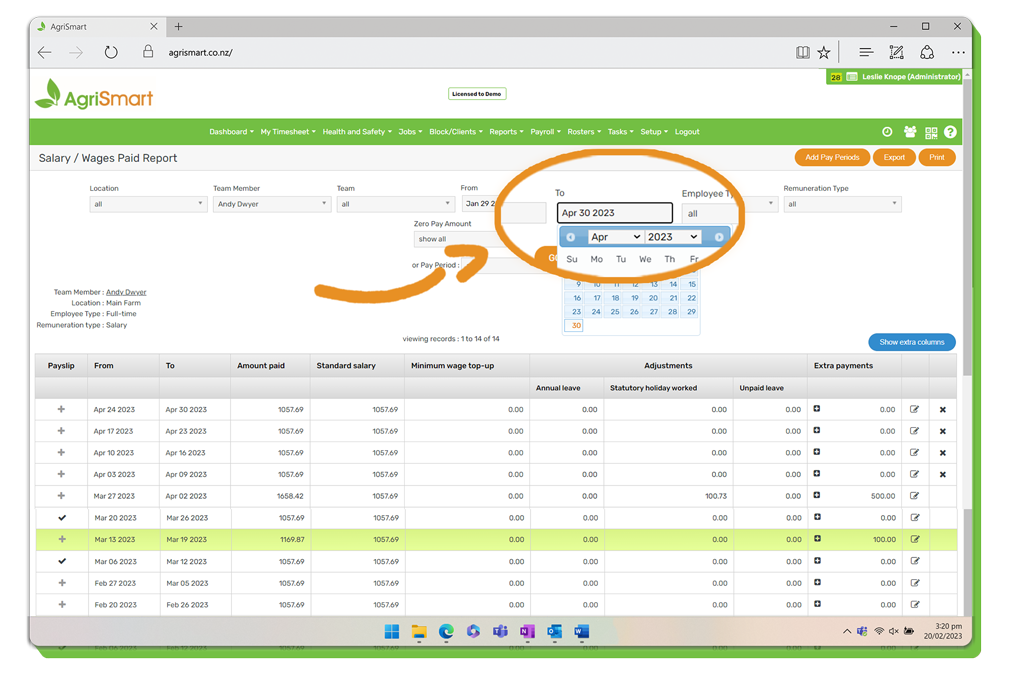
12. Click ‘Go’:
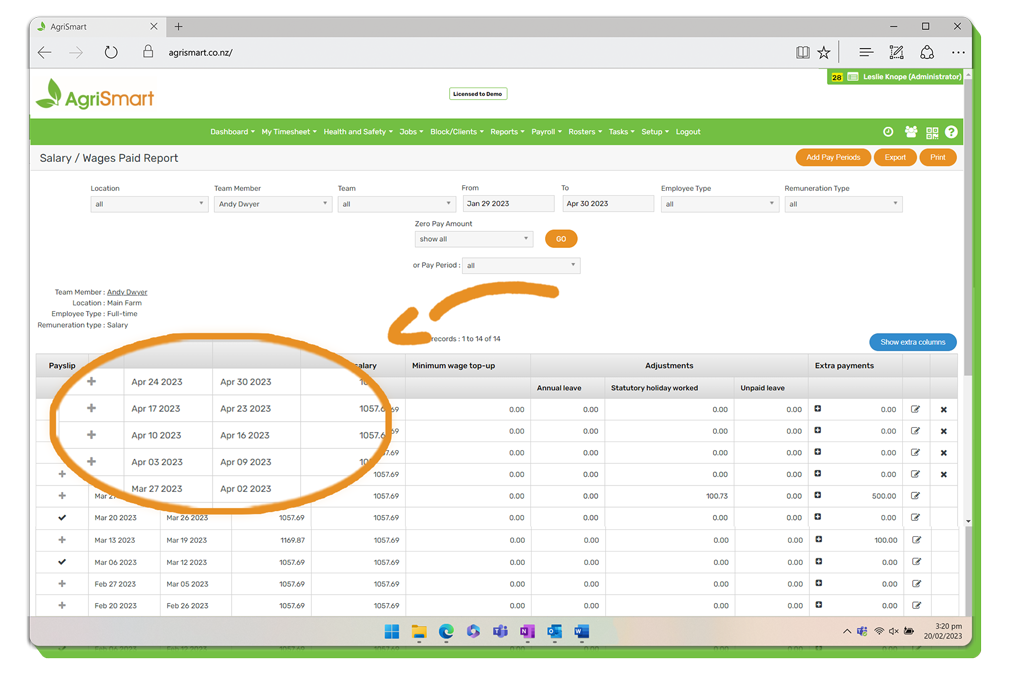
13. The future pay periods have been successfully created:
12. Repeat for each employee.