1. Hover on Payroll > Payroll Wizard > click Pay Runs Report:

2. Click the cross icon in line with the pay run that is to be deleted:

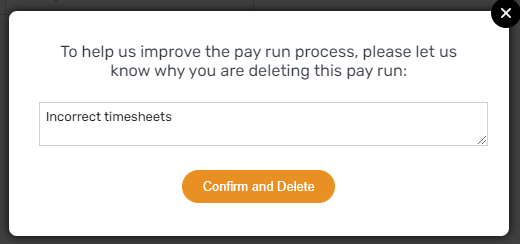
3. Enter why the pay run is getting deleted, then click Confirm and Delete:

1. Hover on Payroll > Payroll Wizard > click Pay Runs Report:
2. Click the cross icon in line with the pay run that is to be deleted:
3. Enter why the pay run is getting deleted, then click Confirm and Delete: