
1. Click on Setup:

2. Scroll down to Payslip display settings:
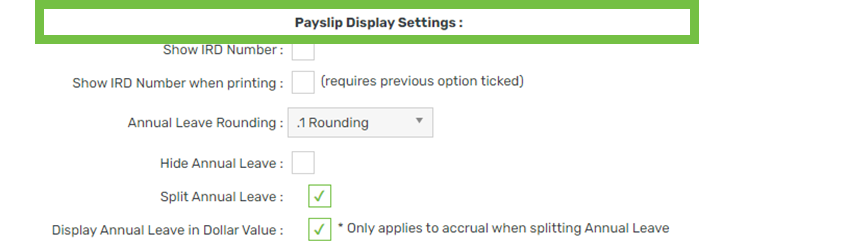
3. Locate Split annual leave (Split) and Display annual leave in dollar value (Value):
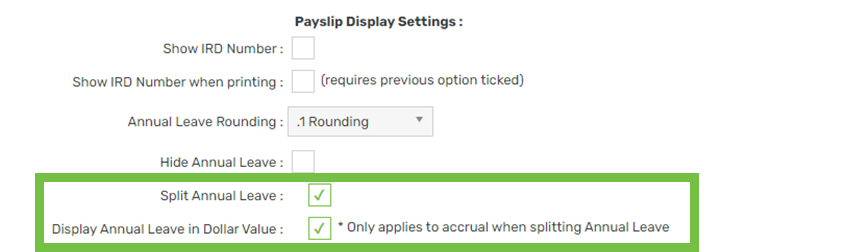
4. Adjust the settings per the table below:
| Result | Split | Value |
| Display entitlement in days & accrual in dollars (recommended) | Ticked | Ticked |
| Display entitlement and accrual in dollars as one total | Unticked | Ticked |
| Display entitlement and accrual in days as separate totals | Ticked | Unticked |
| Display entitlement and accrual in days as one total | Unticked | Unticked |
5. Click Save