The AgriSmart ‘Setup’ section is a vital piece of our software to understand. This area is where you will tailor your AgriSmart licence to your operations needs. Below is an overview of what can be adjusted within this area.
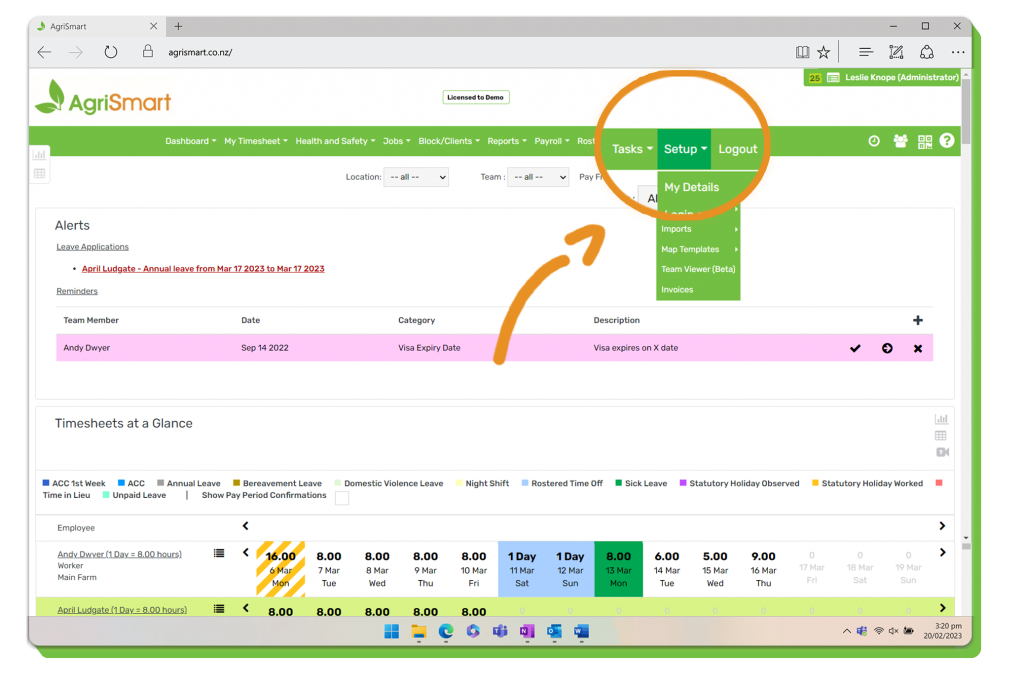
1. Click on ‘Setup’ within the AgriSmart navigation bar to locate this area:
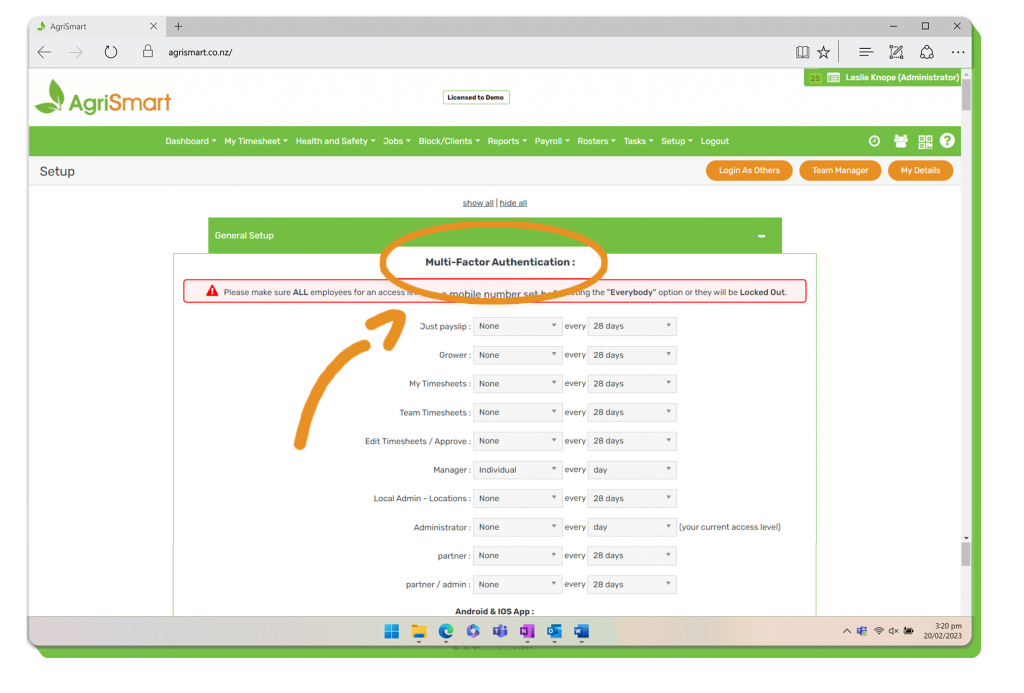
‘Multi-Factor Authentication’ Settings
Adjust the ‘Multi-Factor Authentication’ settings to provide different layers of security depending on each user or each access level.
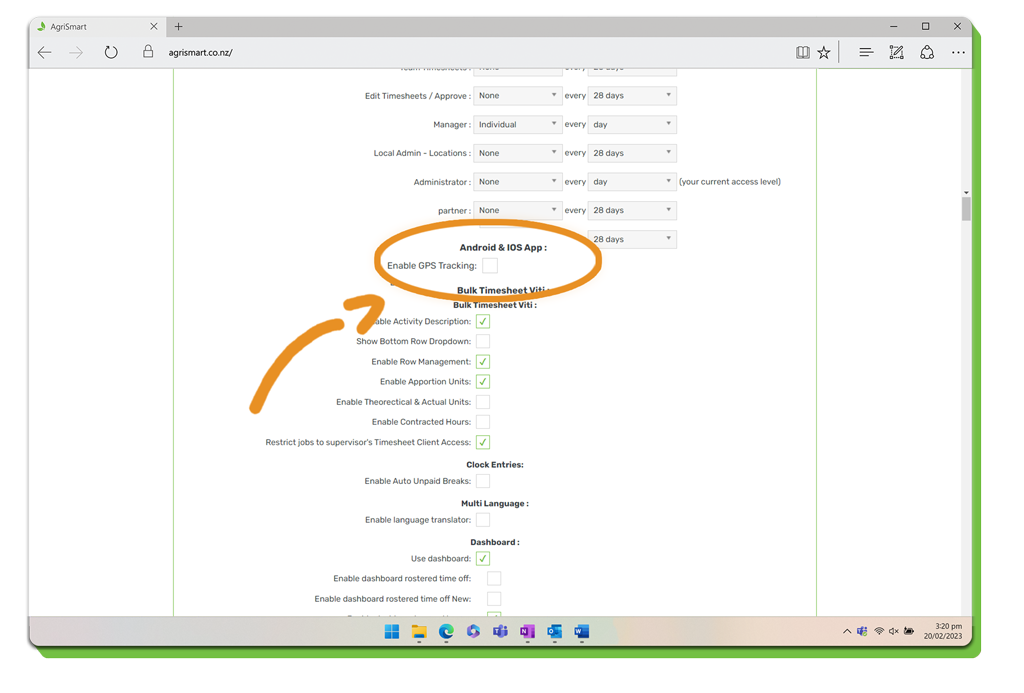
‘Android & iOS App’ Settings
Activate GPS tracking capabilities relating to the AgriSmart mobile app.
‘Bulk Timesheet’ Settings
Customise in-depth settings relating to bulk timesheets.

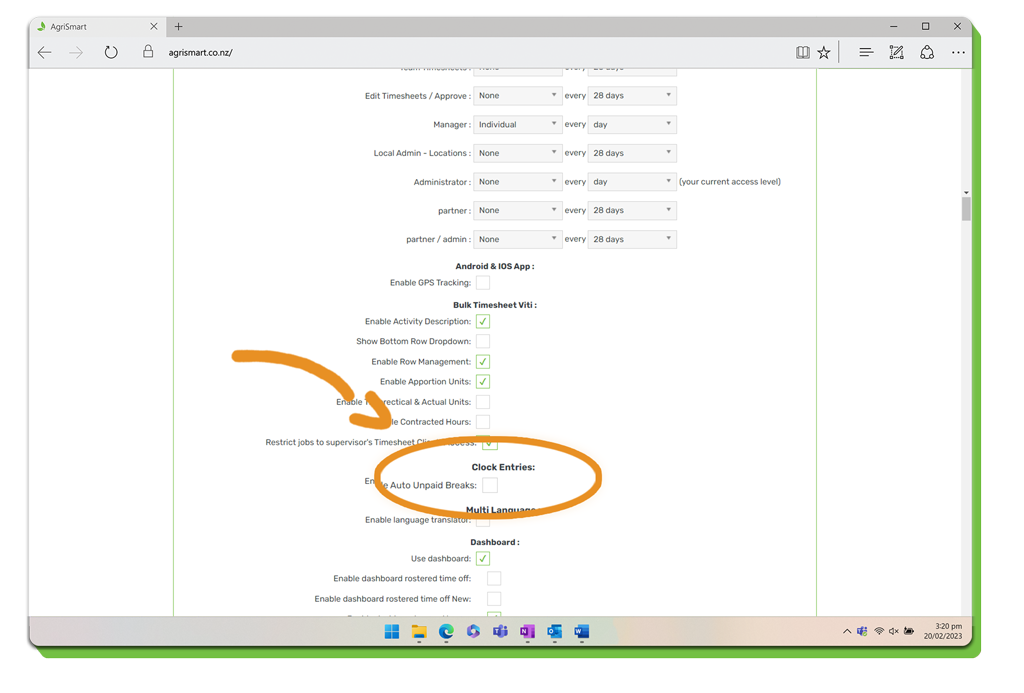
‘Clock Entries’ Settings
Enable automatic ‘Unpaid Breaks’ within this section.
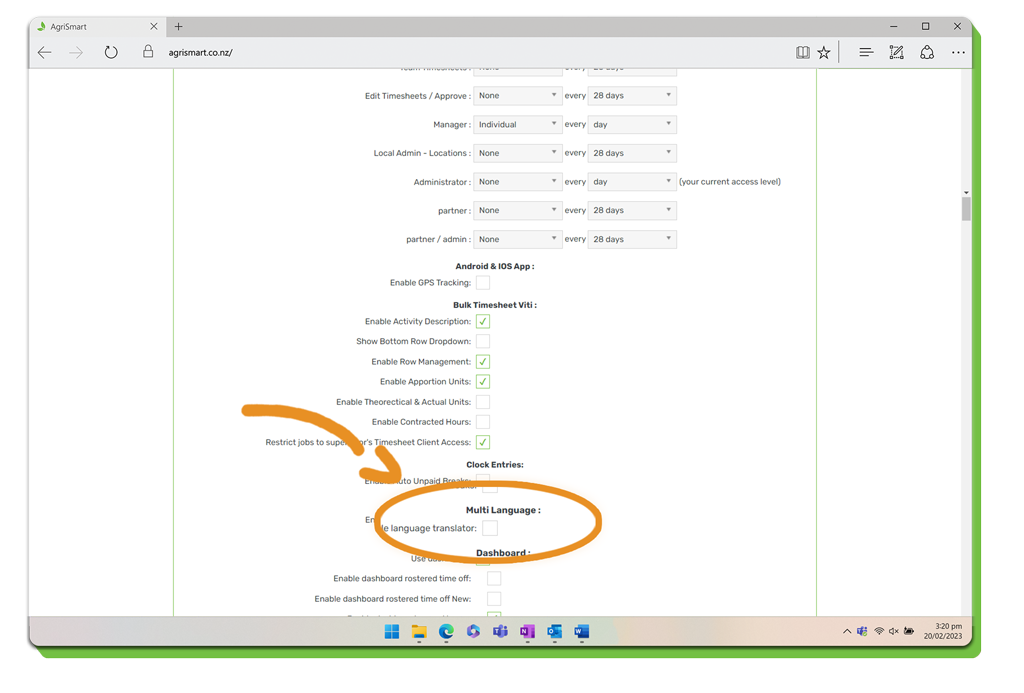
‘Multi Language’ Settings
Enable language translator should you require AgriSmart to be displayed in another language.
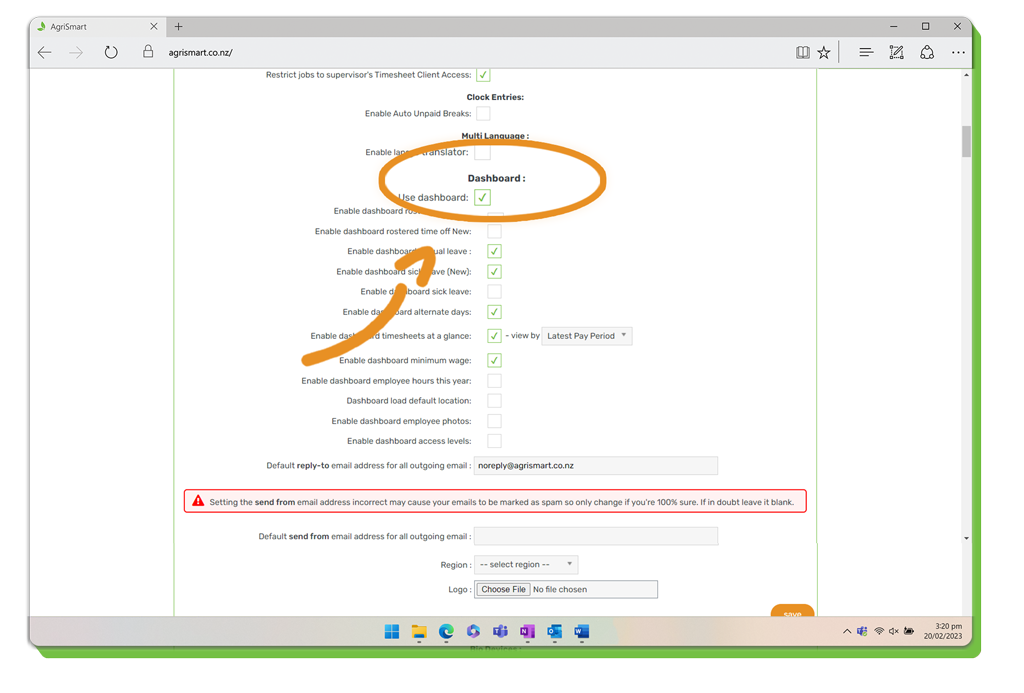
‘Dashboard’ Settings
Customise what appears on your dashboard through this section of the ‘Setup’ area.
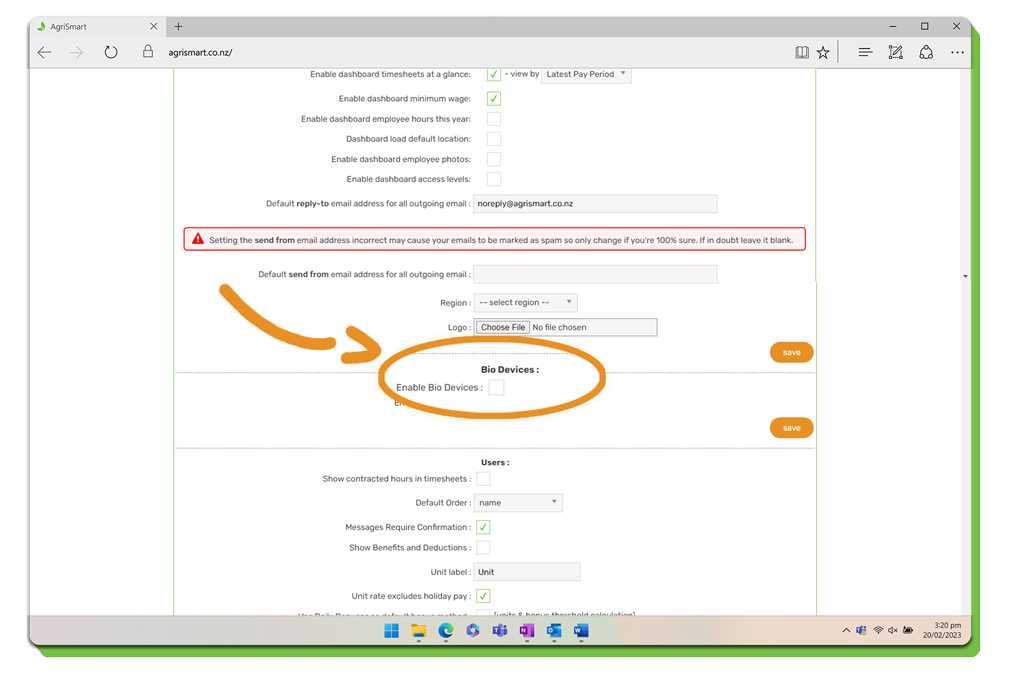
‘Bio Device’ Settings
Enable the ability communicate with your Bio Devices.
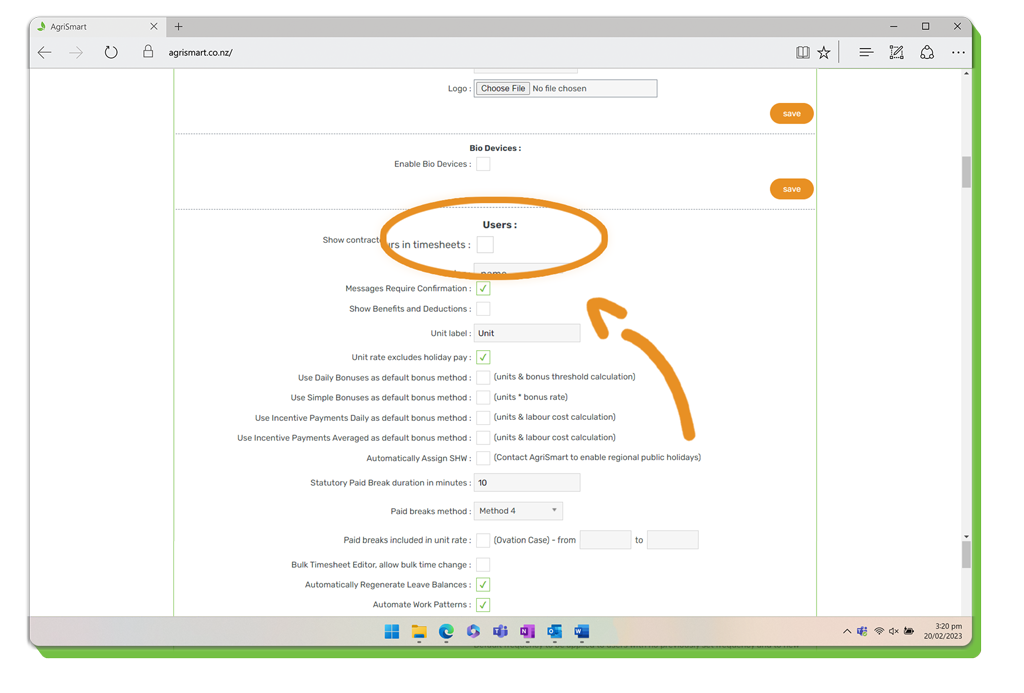
‘User’ Settings
Customise the base settings relating to all users of your AgriSmart licence.
‘Teams’ Settings
View your Teams, add teams, edit ‘Team Selector’, and location settings.
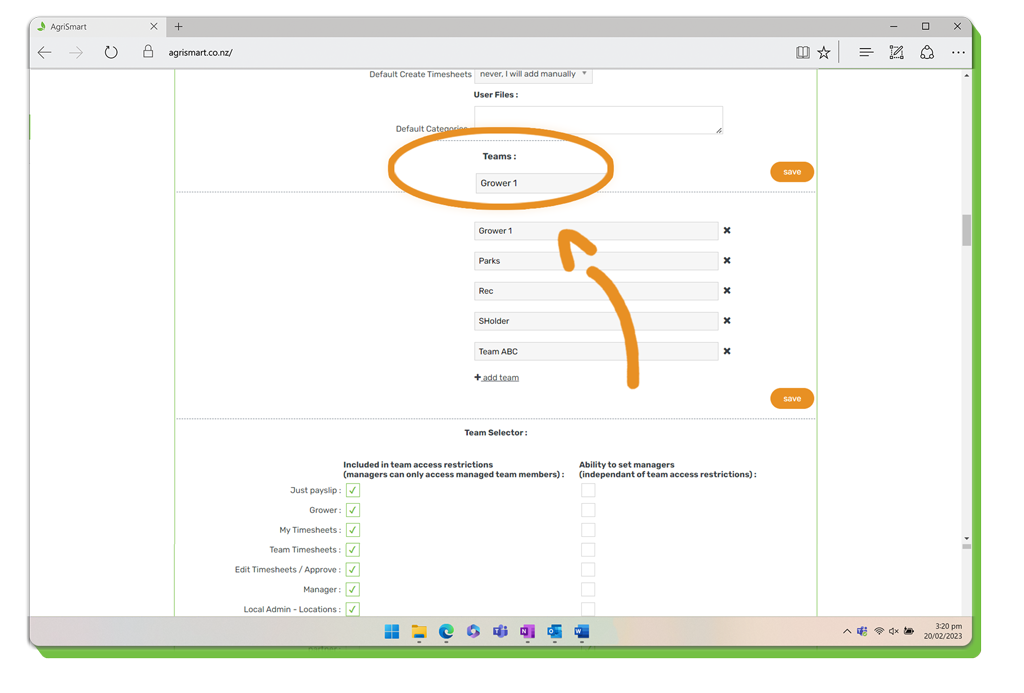
Note: We still advise you to add new teams within the ‘Team Selector’ of your AgriSmart license. This can be located under ‘Setup’ > ‘Team Manager’.
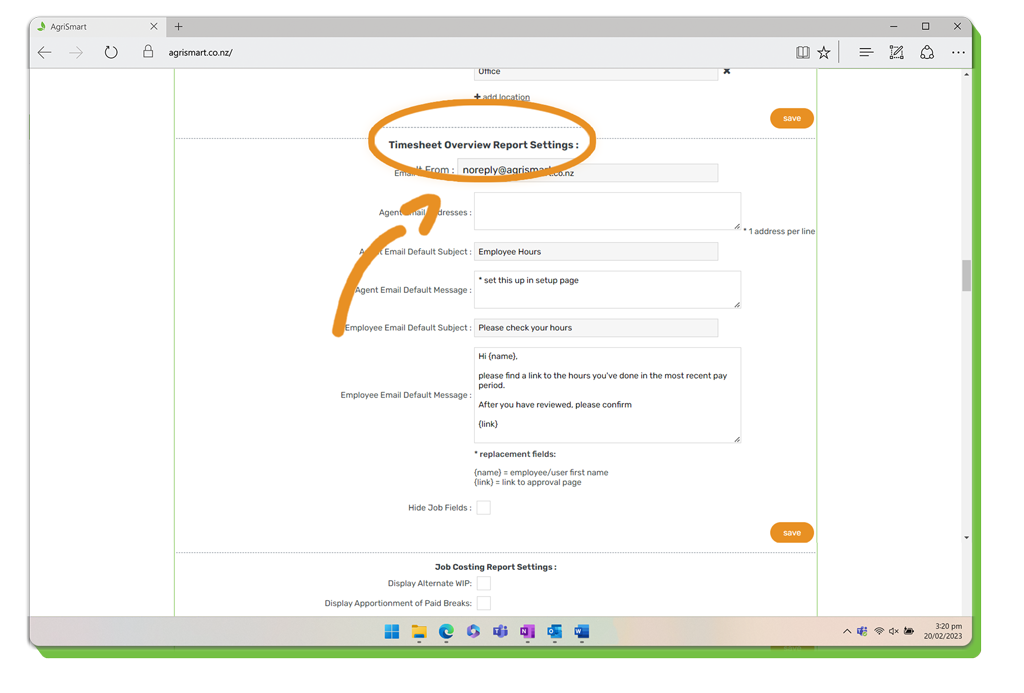
‘Timesheet Overview Report’ Settings
Customise the information that is detailed in the Timesheet Overview Report.
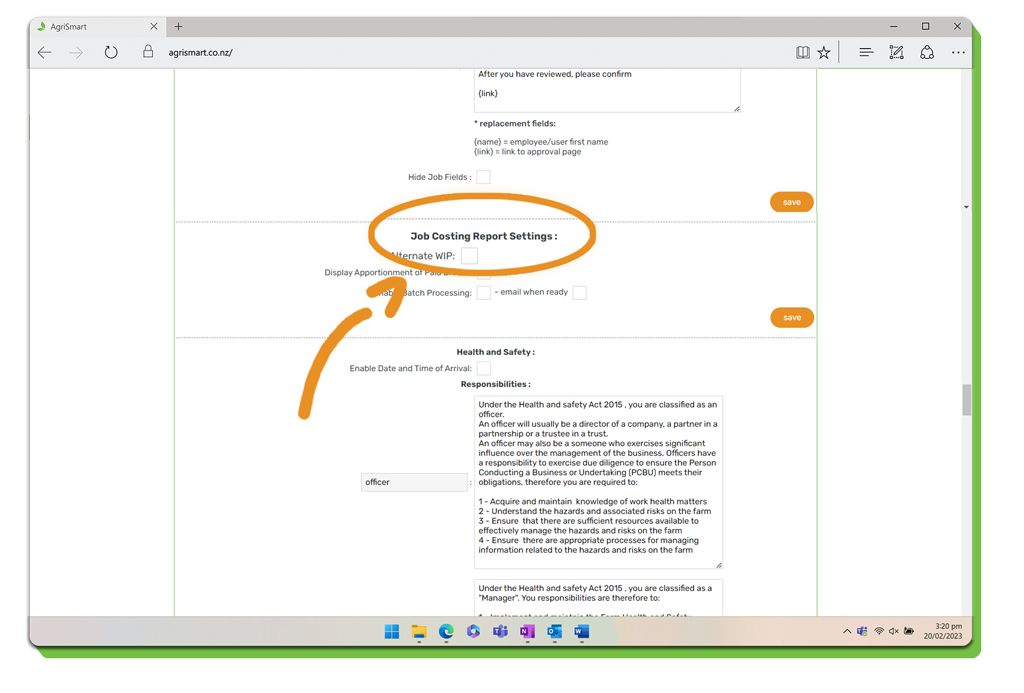
‘Job Costing Report’ Settings
Customise a range of features to be displayed in the ‘Job Costing Report’.
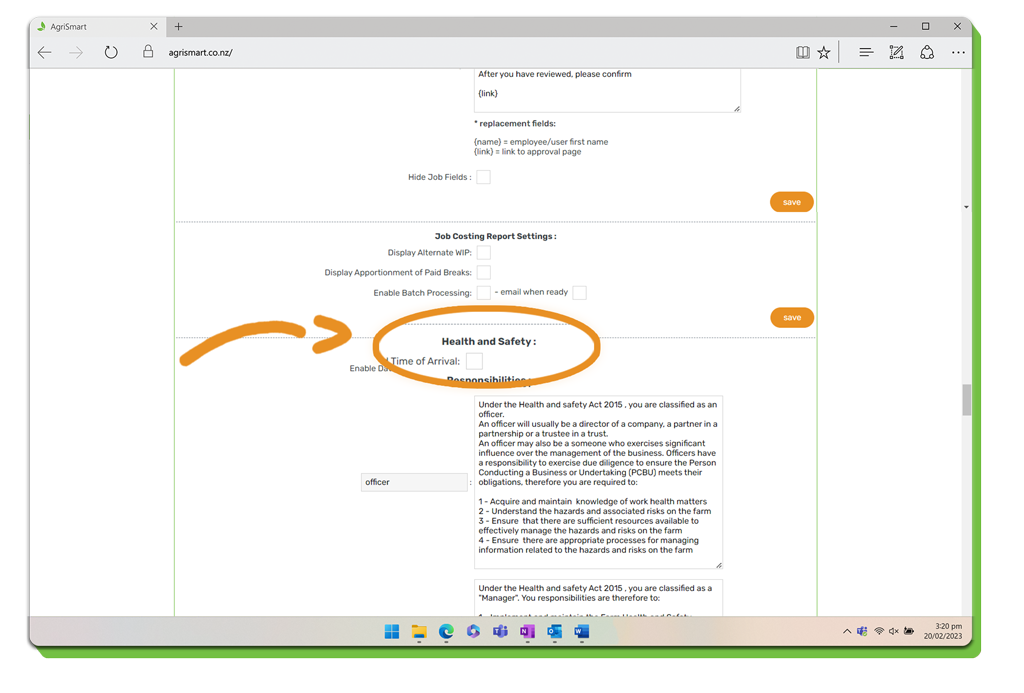
‘Health & Safety’ Settings
Adjust a range of rules relating to the Health & Safety within your operations.
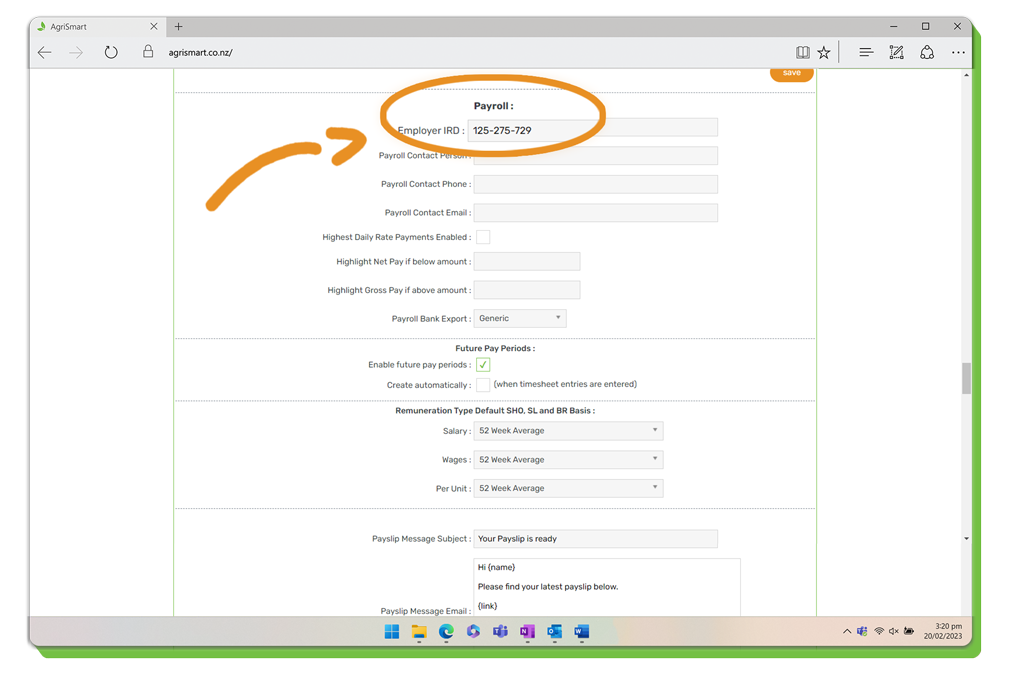
‘Payroll’ Settings
Add and set a variety of settings relative to the payroll module of your AgriSmart licence.
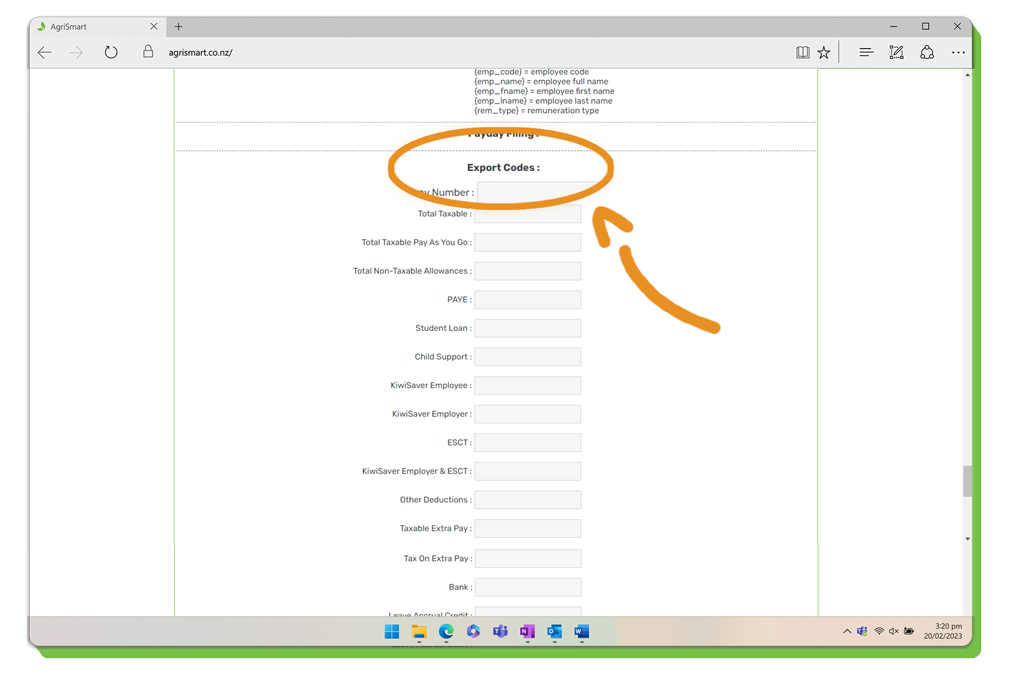
‘Export’ Settings
Input a range of export codes and further export settings.